
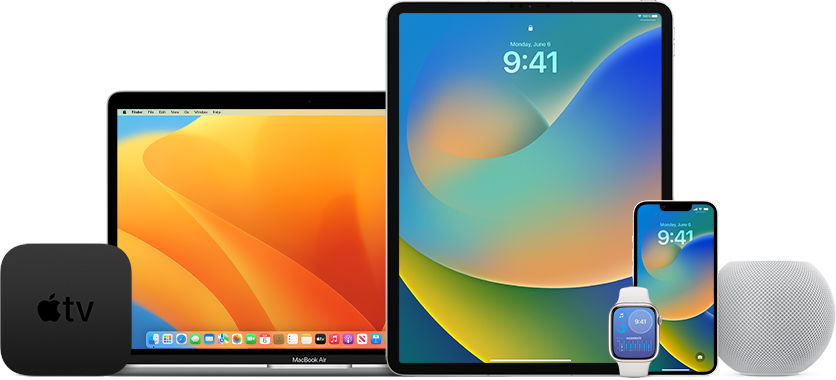
iOS 16 beta will be made available by Apple to everyone in the coming days. You are probably already wondering how to install the new software? We are in a hurry to answer. We expect that Apple will start public testing of iOS 16 beta next week. Perhaps as early as Monday.
iOS 16 beta has been available to developers for a few weeks now. It is currently the third release. It has some new features again. Soon, the same build will be made available to everyone and Apple will launch public tests. How to install the new software on your iPhone? Let’s see what you need to do to do this.
First, you need to think
iOS 16 beta brings numerous new features to iPhones. These are certainly tempting, because you will be able to have them now and not have to wait until September for the final update. However, remember that this is preview software. This means that it is certainly not free from bugs. You have to expect various problems, such as restarts or non-functioning applications. Therefore, you need to think about what is most important to you. Early access to new features, or maybe stability above all else.
How to install iOS 16 beta
Installing iOS 16 beta is very simple and convenient. It basically comes down to downloading and installing a special profile. Let’s see how to do it.
1.First, you need to register for the Apple Beta Software Program, which you can do on this page.
2. Then download the profile from iOS 16 beta (it will be available here) and after downloading it, go to the Settings section on your iPhone.
3. Here you will see a message about a new profile to install, which you tap.
4. Install the public version of iOS 16 beta by following the messages displayed on the phone’s screen and restart the device.
5. Go to the Settings, General and Updates sections.
6. After a while, information about the availability of a new version of the software that you are installing will appear.
What to do before installing
Remember to make a backup of your iPhone before installing iOS 16 beta. You can do this locally on your computer or via iCloud. This is important because the backup will allow you to recover your data and settings from before the installation. If something were to go wrong, and this can never be ruled out. Remember also that if you want to go back to an older version of the software, you will restore the device from the point where you made the backup.
Apple Beta Software Program is almost here
We expect that public testing, or the Apple Beta Software Program, will begin next week. It could even happen on Monday evening our time. We will see how it actually is soon. Remember that the software can be installed on iPhones 8 or newer. Models 7 and 6s will not receive the update.


